Holobox Size and Installation: A Practical Guide for Dubai
How much space a Holobox needs and what installation in Dubai takes: access, power, internet, lighting and visitor area. A pre-booking checklist.
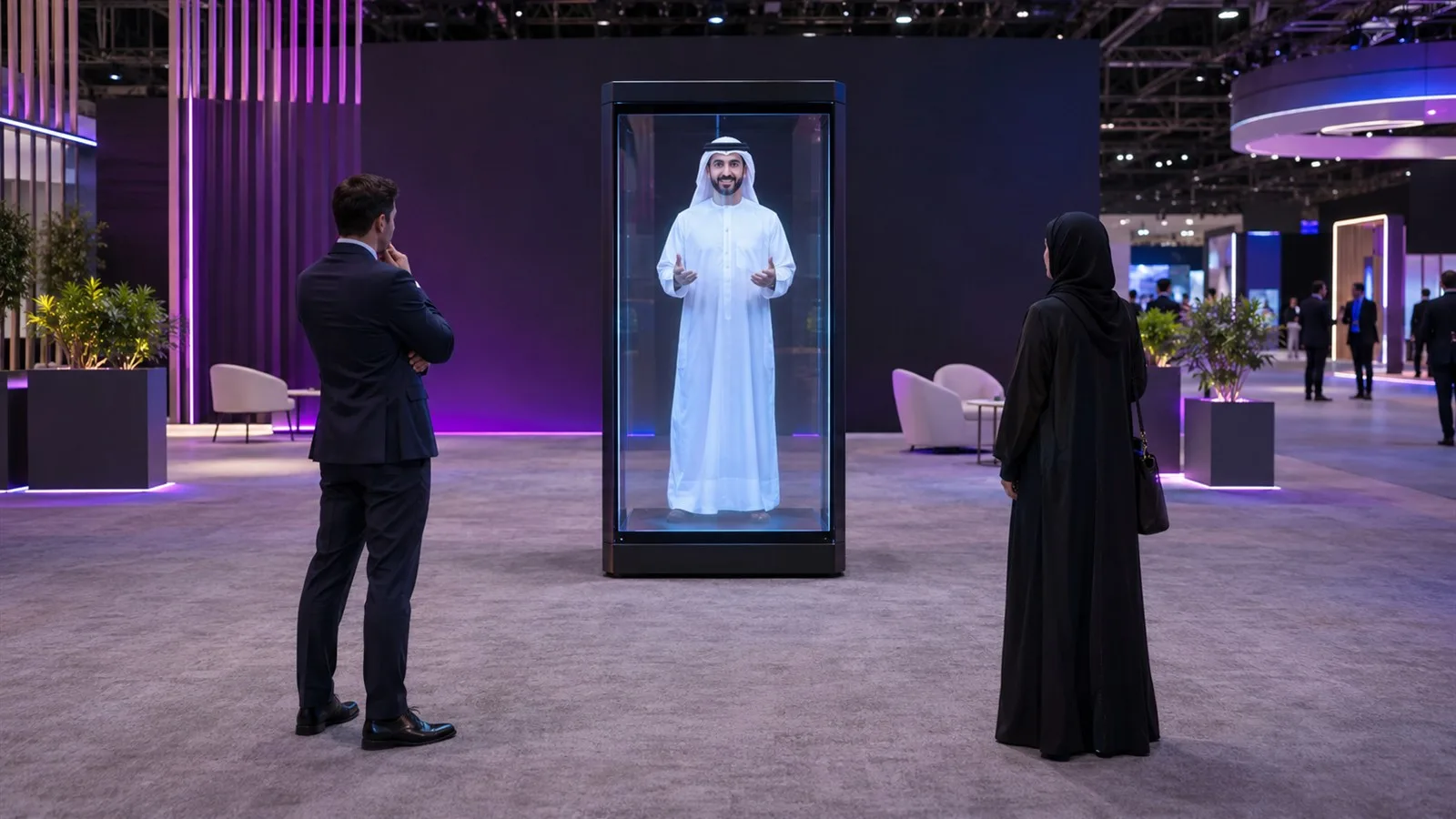
The first two questions we get before any booking are: how much space does a Holobox need, and will it fit through the venue door? Both are the right questions. A Holobox is a large unit, and the problems on installation day are usually about the venue, not the device: a door that's too low, a power outlet that's too far, a spotlight right above it, or a narrow aisle with no room for visitors.
This guide covers Holobox sizes, the space it and its visitors need, and what to prepare before installation day in Dubai and across the UAE.
Holobox sizes
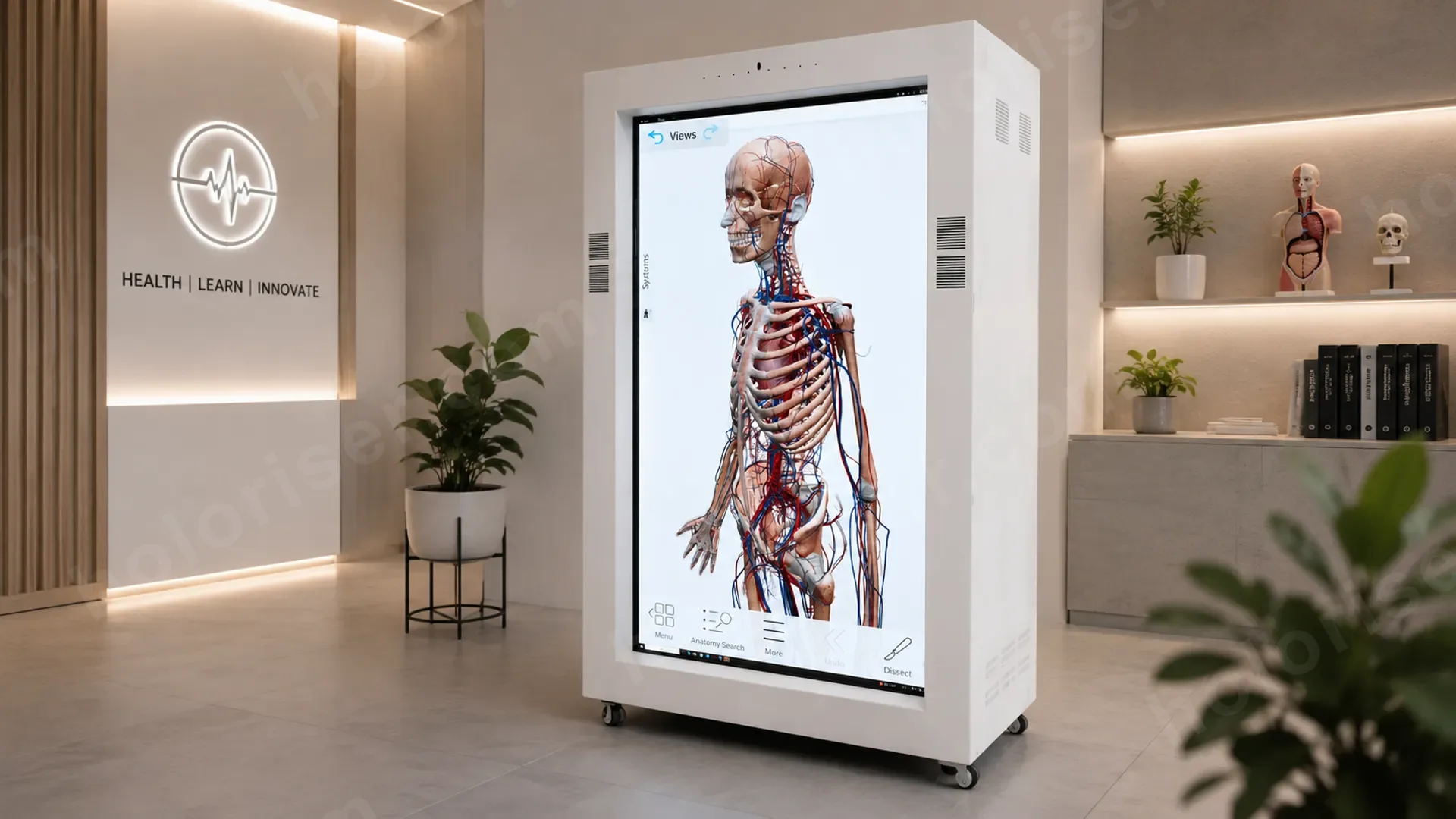
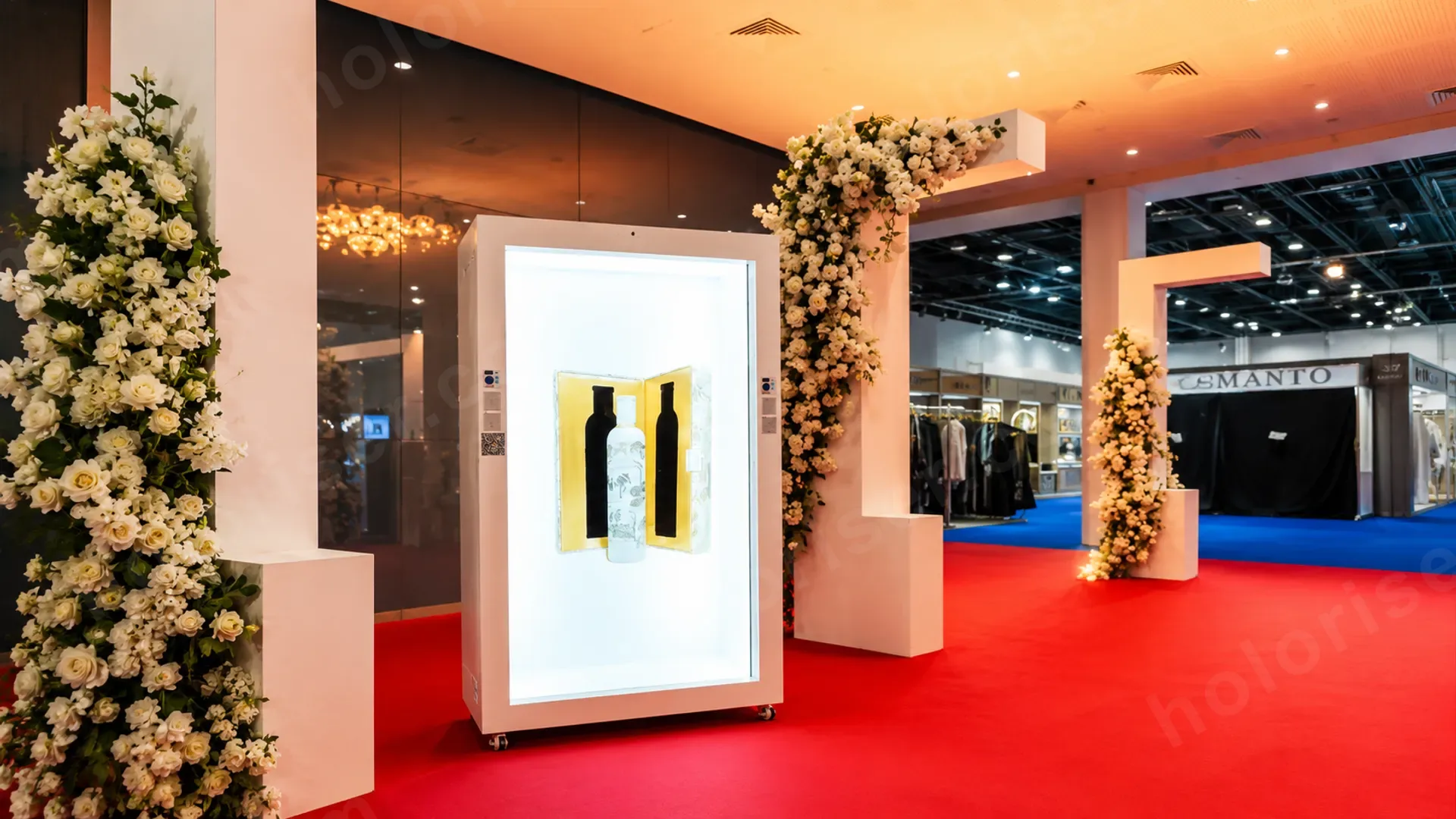
A Holobox is a standing cabinet with a transparent 4K screen, where a person or product appears to be inside it. The full-size unit is about 222 cm tall, and we offer three screen sizes:
- 86": the largest, at 500 nits. It shows an adult at close to real size, and the screen alone is more than a metre wide.
- 75": 400 nits. A balanced choice for mid-size stands and lobbies.
- 65": 350 nits. For tighter spaces, or for products more than people.
All sizes support 10-point touch and a 178° viewing angle, so the image stays clear for anyone standing in front of the unit or to its sides, but not behind it.
How much space does a Holobox really need?
Don't plan for the unit alone. Plan for three zones:
- The unit itself: a flat, stable floor, with a little clearance behind and at the sides for ventilation and cables.
- The visitor zone in front: where people stand to watch or talk to the character. We recommend keeping two to three metres clear in front of the unit. If the experience is interactive, like a quiz or an AI assistant, the visitor stands close enough to touch the screen, with others queuing behind.
- The aisle: don't put the unit in a narrow aisle where people walk past quickly. Place it where a visitor can stop without blocking the way.
A common mistake is tucking the Holobox into a corner with its back to the aisle. Face it toward the flow of visitors, because it's the strongest thing pulling them onto your stand. On the Fujairah Digital Government stand at GITEX 2025, an 86" Holobox was placed to be the first thing visitors saw, and the quiz started there.
Before installation day: check the route to your stand
The unit is about 222 cm tall, and many doors are lower than that. So ask the venue or the organiser about:
- The height and width of every door on the route from the loading bay to your stand.
- Lifts, if the stand is on another floor, including their size and load limit.
- Ramps, stairs, and floors that need protection.
- Allowed load-in and build-up times, and whether the crew needs permits.
Send us the narrowest point and the lowest height on the route, and we'll plan the delivery around them. That one question saves hours on installation day.
Power and internet
Power: the Holobox needs a stable power outlet close to it. Ask the organiser for a dedicated power point at the unit's position, rather than long extension cables running across the visitor area.
Internet: it isn't always needed. Pre-recorded content runs offline. But you need it in three cases:
- Live streaming: when a speaker appears from another country, as in life-size human holograms.
- AI characters: that answer visitors' questions, like Ahmed for Dubai Charity Association.
- Remote content updates during the show.
In those cases, ask for a wired connection if you can. Public Wi-Fi at large exhibitions gets congested at peak hours.
Lighting and sound
Lighting: the Holobox creates its sense of depth through contrast. Strong light aimed straight at the front weakens the image. Avoid spotlights above or in front of it, and avoid placing it opposite a window with direct sun. Normal stand lighting is fine.
Sound: the unit has built-in audio that's enough for a quiet stand or a lobby. In a busy hall, or when it addresses an audience, we add external speakers. If the character listens to visitors and answers them, think about where the visitor will stand and how loud the space will be.
Operation: who runs it during the event?
You have two options: our team runs the unit on site, or we train your team to run it. For live streaming and AI interaction we recommend our team on site, because any connection or audio issue needs fixing immediately in front of an audience. For pre-recorded content in a lobby or store over a longer period, a short training for your team is usually enough.
Pre-booking checklist
- The right screen size for your space: 65", 75" or 86".
- Room for the unit, plus an open area in front for visitors.
- The unit facing the visitor flow, not a wall.
- The narrowest door, lowest height and lifts on the route from the loading bay.
- A dedicated power point nearby.
- Wired internet for live streaming or AI.
- Lighting that isn't aimed at the front of the unit.
- External speakers if the hall is loud.
- Build-up and dismantling times, and permits.
- Who will run the unit during the event.
The takeaway
A Holobox is easy to run, but it needs the space planned before it arrives. Once we know your stand size, the route to it and the type of content, we pick the right size and have everything ready before installation day.
If you're comparing devices, read Holobox vs Hologram Fan. If you're planning a full stand, browse our exhibition display technology and hologram solutions in Dubai.
To book, see hologram rental in Dubai, or send us your stand plan and event date, and we'll suggest the right size and placement.